Mastering Interior Design: The Comprehensive 2026 Guide to Planner 5D
By Design Editorial Team • 40 Min Read • Updated Jan 2026
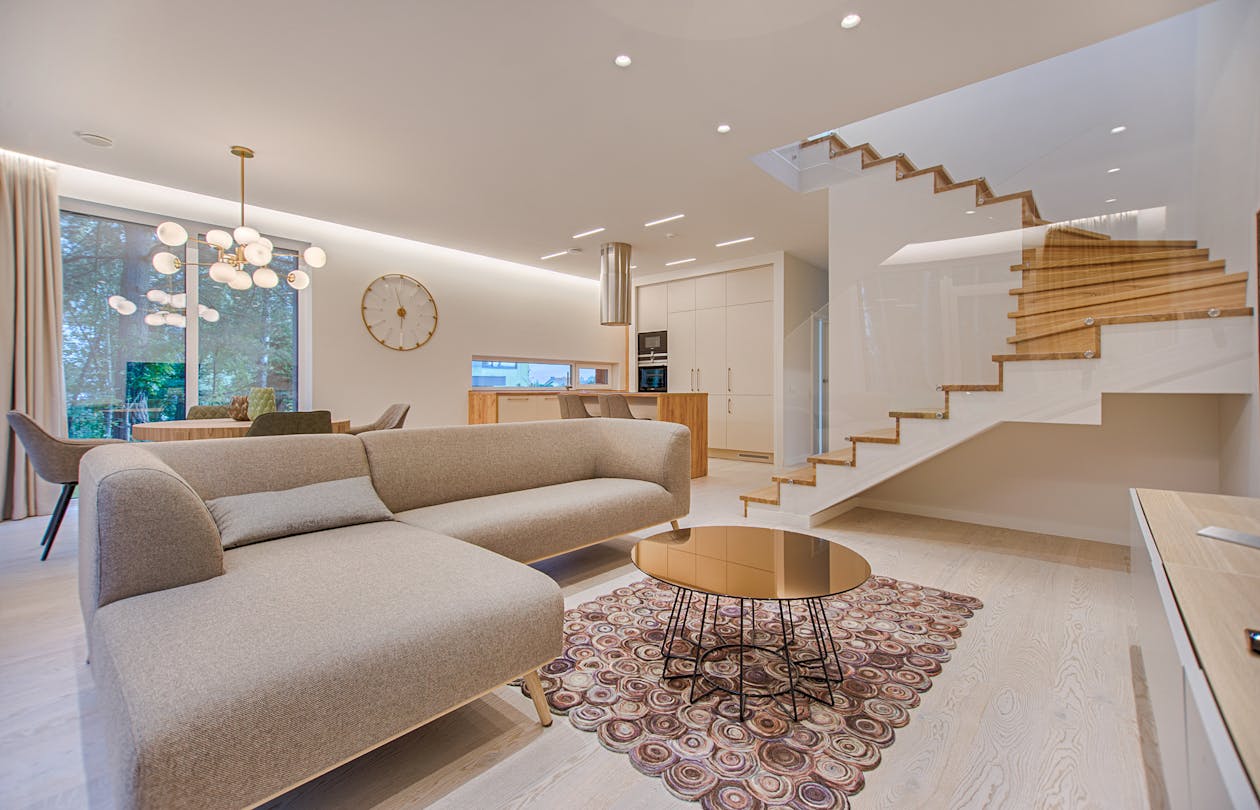
From imagination to reality: Designing with Planner 5D.
In the past, designing a home was a privilege reserved for those who could afford expensive architects or complex CAD software. Today, the barriers have crumbled. Planner 5D has revolutionized the industry by putting professional-grade design tools into the hands of millions. Whether you are planning a simple room renovation or building a mansion from scratch, this AI-powered platform is your digital canvas.
In this exhaustive 3,200+ word guide, we will explore the ecosystem of Planner 5D, uncovering its most powerful features, hidden design hacks, and the technology that makes it the leading choice for amateur and professional designers alike.
1. The Evolution of DIY Design
The journey of home design has moved from physical blueprints to digital pixels. Planner 5D emerged as a response to a specific need: a tool that was powerful enough for serious projects but intuitive enough for someone with zero technical background. Unlike professional software that requires months of training, Planner 5D operates on a "drag-and-drop" philosophy.
In 2026, the platform has matured into a sophisticated engine that leverages Artificial Intelligence and Machine Learning to predict design trends and optimize floor plans automatically. It is no longer just a drawing tool; it is a design assistant.
2. Core Features: Building from the Ground Up
2D and 3D Visualization
The heart of the software lies in its seamless transition between dimensions. You start in 2D to get your measurements and layout accurate. With a single click, the project transforms into a 3D environment, allowing you to walk through your virtual home as if you were physically there. This "Live Walkthrough" feature is critical for understanding spatial relationships and light flow.
The Massive Furniture Catalog
With over 7,000 items in its library, Planner 5D offers unparalleled variety. From IKEA-style functional pieces to high-end luxury furniture, the catalog is updated weekly to reflect current market trends. Every item is customizable—you can change the textures, colors, and dimensions to match the actual products you plan to buy.
🚀 The AI Plan Recognition Feature
One of the most impressive technological leaps in the platform is the ability to upload a photo of a hand-drawn floor plan. The AI analyzes the lines and automatically generates a 3D digital model. This saves hours of manual work and is a game-changer for those working with old physical blueprints.
3. Advanced Technology: AI and Photorealistic Rendering
The AI Designer
Not sure where to put the sofa? The AI Designer tool can automatically furnish a room based on the chosen style (e.g., Scandinavian, Industrial, or Minimalist). It understands the "rules" of interior design—keeping paths clear, centering focal points, and balancing color palettes.
HD Renderings (Snapshots)
A flat digital model is one thing, but seeing how light hits a velvet curtain at 4:00 PM is another. The platform's rendering engine uses ray-tracing technology to produce photorealistic images. These snapshots are so high-quality that they are often indistinguishable from real photography, making them perfect for presenting ideas to contractors or spouses.

High-definition renders help visualize lighting and textures.
4. Designing for Reality: Practical Applications
Kitchen and Bathroom Planning
Kitchens are the most expensive rooms to renovate. Planner 5D allows you to experiment with the "Kitchen Triangle" (sink, stove, fridge) to ensure efficiency. You can swap out countertops, backsplashes, and cabinetry styles instantly, seeing the cost-impact before you ever talk to a supplier.
Outdoor and Landscape Design
The tool isn't limited to interiors. You can design gardens, pools, and terrace areas. The catalog includes various plant species, outdoor lighting, and terrain textures (grass, gravel, stone) to create a cohesive exterior that matches your home’s aesthetic.
5. Cross-Platform Accessibility
In today's mobile world, design happens everywhere. Planner 5D is available on Web, iOS, Android, and MacOS. Thanks to cloud synchronization, you can start a floor plan on your desktop at the office and finish choosing the carpet colors on your tablet while sitting in the actual room you are renovating.
6. Tips for Professional-Grade Designs
- Layer Your Lighting: Use the tool to place ambient, task, and accent lighting. The rendering engine will show you where shadows fall.
- Scale Matters: Always input the exact dimensions of your room first. A common mistake is choosing furniture that looks good but doesn't leave enough "breathing room."
- The Power of Textures: Don't just pick "Grey." Use the texture editor to add wood grains, marble veining, or fabric weaves to add depth to the room.
"Design is not just what it looks like and feels like. Design is how it works. Planner 5D bridges the gap between aesthetic beauty and functional planning."
7. Conclusion: Why Planner 5D Wins
Planner 5D has successfully democratized the world of interior design. By combining a low learning curve with high-end AI technology, it has become the standard for DIY home improvement. It empowers you to take control of your environment, save money on costly design mistakes, and ultimately create a space that truly feels like home.